
Why iPhone Wallpaper Sizes Aren't All the Same
It's easy to assume every iPhone uses the same wallpaper size, but that hasn't been true for years. Apple currently sells multiple screen sizes side by side — the compact iPhone 17e, the standard iPhone 17, the larger iPhone Air, and the Pro Max models — and each one has a distinct pixel resolution. Using the wrong size means your wallpaper either gets stretched slightly blurry or cropped in a way you didn't intend. This cheat sheet covers the exact resolution for every current iPhone model, so you can pick the right size before downloading anything.
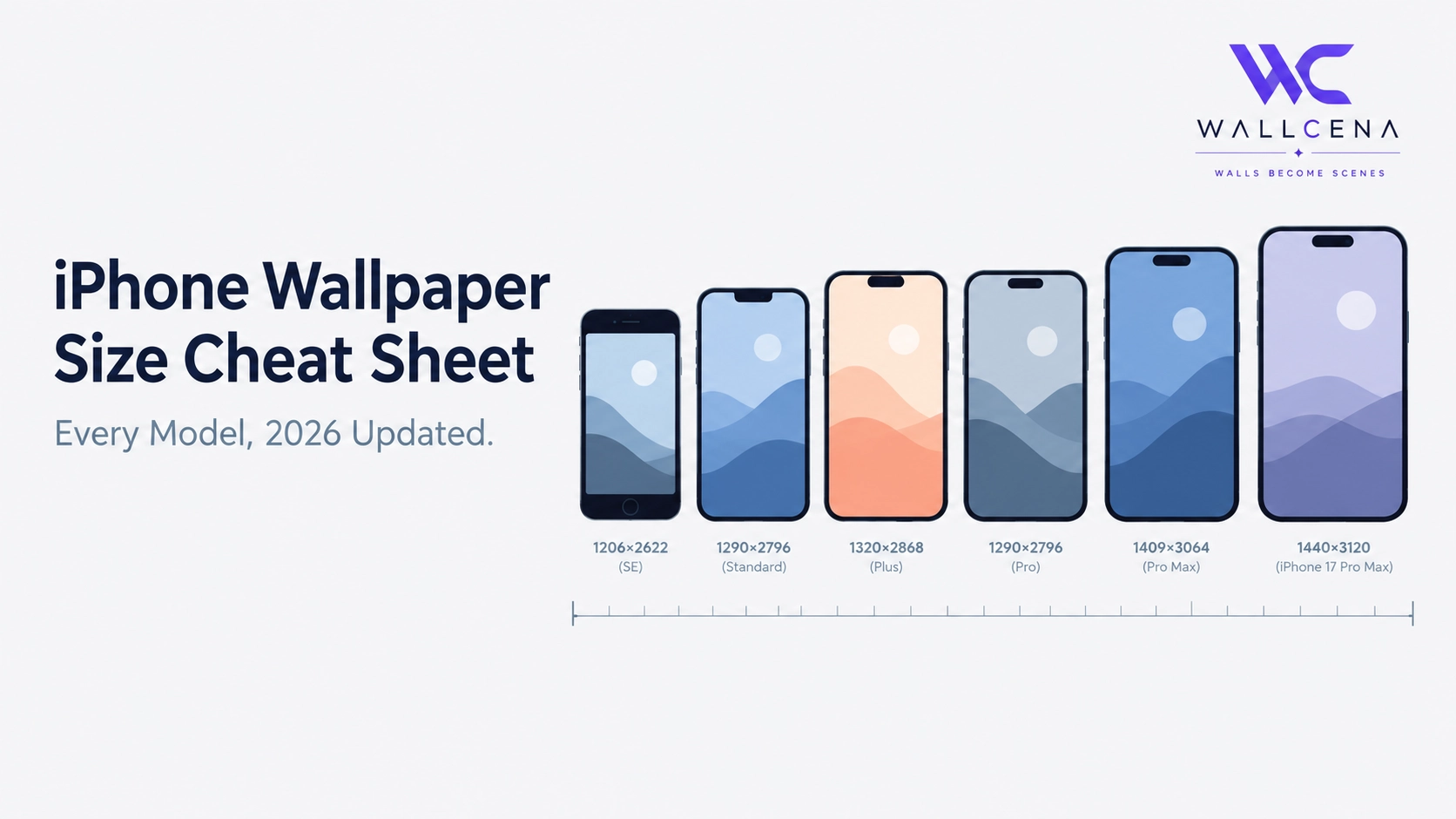
2026 iPhone Wallpaper Size Chart
- iPhone 17 Pro Max — 1320 × 2868 pixels
- iPhone Air — 1260 × 2736 pixels
- iPhone 17 Pro — 1206 × 2622 pixels
- iPhone 17 — 1206 × 2622 pixels
- iPhone 17e — 1170 × 2532 pixels
- iPhone 16 Pro Max — 1320 × 2868 pixels
- iPhone 16 Pro — 1206 × 2622 pixels
- iPhone 16 Plus — 1290 × 2796 pixels
- iPhone 16 — 1179 × 2556 pixels
- iPhone 16e — 1170 × 2532 pixels
- iPhone 15 Pro Max / 15 Plus — 1290 × 2796 pixels
- iPhone 15 Pro / 15 — 1179 × 2556 pixels
- iPhone 14 Pro Max — 1290 × 2796 pixels
- iPhone 14 Pro — 1179 × 2556 pixels
- iPhone 14 / 13 Pro / 13 / 12 Pro / 12 — 1170 × 2532 pixels
- iPhone 14 Plus / 13 Pro Max / 12 Pro Max — 1284 × 2778 pixels
- iPhone SE (3rd gen) — 750 × 1334 pixels
How to Find Your Exact iPhone Model If You're Not Sure
If you don't know your exact model name, go to Settings → General → About and check the Model Name field. iPhone naming can be confusing since Apple sells several similarly named options side by side each year, so confirming the exact model before choosing a wallpaper size avoids any guesswork.
Why Some Different Models Share the Exact Same Resolution
You'll notice several models list identical resolutions — for example, the iPhone 17 and iPhone 17 Pro share 1206 × 2622, and the iPhone 14, 13, 13 Pro, 12, and 12 Pro all share 1170 × 2532. This happens because Apple frequently reuses the same physical screen size and panel across a base model and its Pro counterpart in the same generation, or even across consecutive generations when the design doesn't change. If your model isn't listed above with its own unique number, check for a match in a same-size sibling model instead.
What About iPhone Plus and Pro Max Models?
Plus and Pro Max models use a taller, wider panel than the standard and Pro versions in the same lineup, which is why they need a distinctly larger wallpaper. Using a standard-sized wallpaper on a Plus or Pro Max model will result in visible stretching, since the image simply doesn't have enough pixels to fill the larger display cleanly.
How to Get the Exact Size Every Time
Rather than manually cropping an image to match these dimensions, use the Wallpaper Fit Tool to select your specific iPhone preset (or enter a custom resolution from the chart above) and get a perfectly sized wallpaper in seconds, with a live preview showing exactly how the crop will look before downloading.
What Happens If You Use the Wrong Size Anyway
iOS will still let you set a wallpaper that doesn't match your exact resolution — it just automatically scales the image to fit, which is where quality loss comes from. A slightly larger image than needed will scale down cleanly with no visible loss. A smaller image scaled up to fit a larger screen is where blur and softness become noticeable, so when in doubt, it's safer to start with a higher-resolution image than your target size rather than a lower one.
Frequently Asked Questions
Do the iPhone 17 and iPhone 17 Pro use the same wallpaper size?
Yes. Both share an identical 1206 × 2622 pixel resolution, since they use the same physical screen size.
What resolution should I use if my iPhone model isn't listed?
Check Settings → General → About for your exact model, then match it to the closest same-generation sibling model in the chart, since screen sizes are frequently shared within a lineup.
Will a 4K wallpaper work fine on any iPhone?
Yes, a 4K image will scale down cleanly to fit any current iPhone resolution without quality loss, though it results in a larger file size than necessary.
Why does my wallpaper look slightly blurry even though I downloaded a "high-res" image?
This usually means the image's actual resolution was still smaller than your specific iPhone model's screen, causing it to scale up rather than down. Always check the exact pixel dimensions against your model, not just a general "high-res" label.
Get the Perfect Fit for Your iPhone
Use the Wallpaper Fit Tool with your exact iPhone preset to resize any photo perfectly, or browse our full wallpaper collection for images already sized for every current iPhone model.
Community
Comments (0)
Log in to like and comment.
No comments yet. Be the first to comment.