
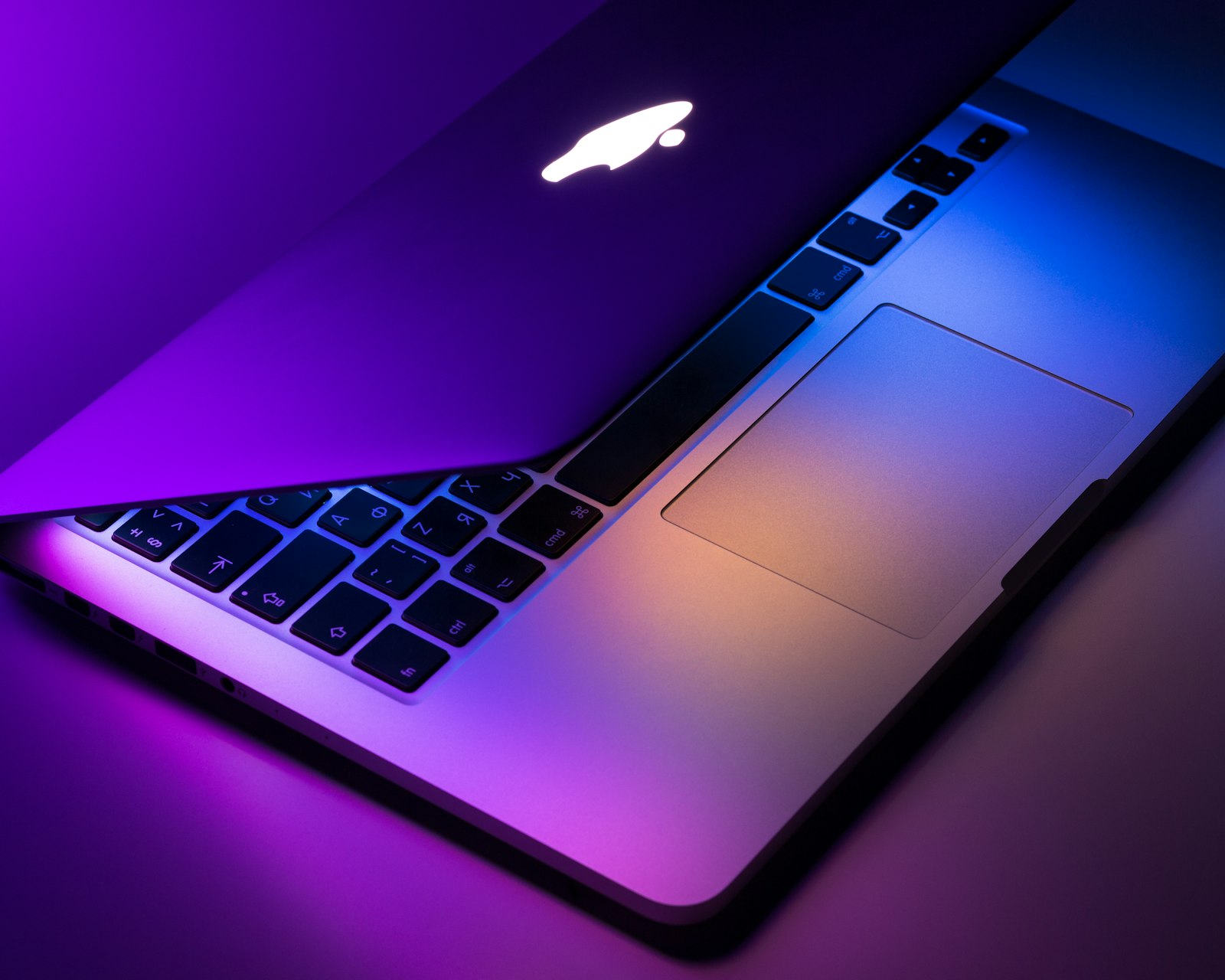
Setting a wallpaper only takes a minute
You found a wallpaper you love. Now let us put it on your screen. Follow the steps for your device below.
iPhone and iPad
- Open the Settings app.
- Tap Wallpaper.
- Tap Add New Wallpaper.
- Choose the photo from your library.
- Preview it, then tap Set as Wallpaper Pair.
Android
- Press and hold an empty spot on your home screen.
- Tap Wallpaper & style (or Wallpapers).
- Choose the photo from your gallery.
- Tap Set wallpaper.
- Pick Home screen, Lock screen, or Both.
Windows
- Right-click an empty area of your desktop.
- Choose Personalize.
- Select Background.
- Click Browse photos and pick your image.
- Choose a fit option like Fill or Fit.
macOS
- Right-click the desktop and choose Change Wallpaper.
- Pick your image from the gallery.
- Choose how the image fills the screen.
Make it look perfect
Use our Fit Preview to see exactly how a wallpaper will look on your screen before you download it. For the sharpest result, pick a wallpaper that matches your device resolution.
Enjoy your new scene
That is it. Your screen now has a fresh look. Browse more categories or save your favorites to a collection for later.
Community
Comments (0)
Log in to like and comment.
No comments yet. Be the first to comment.