
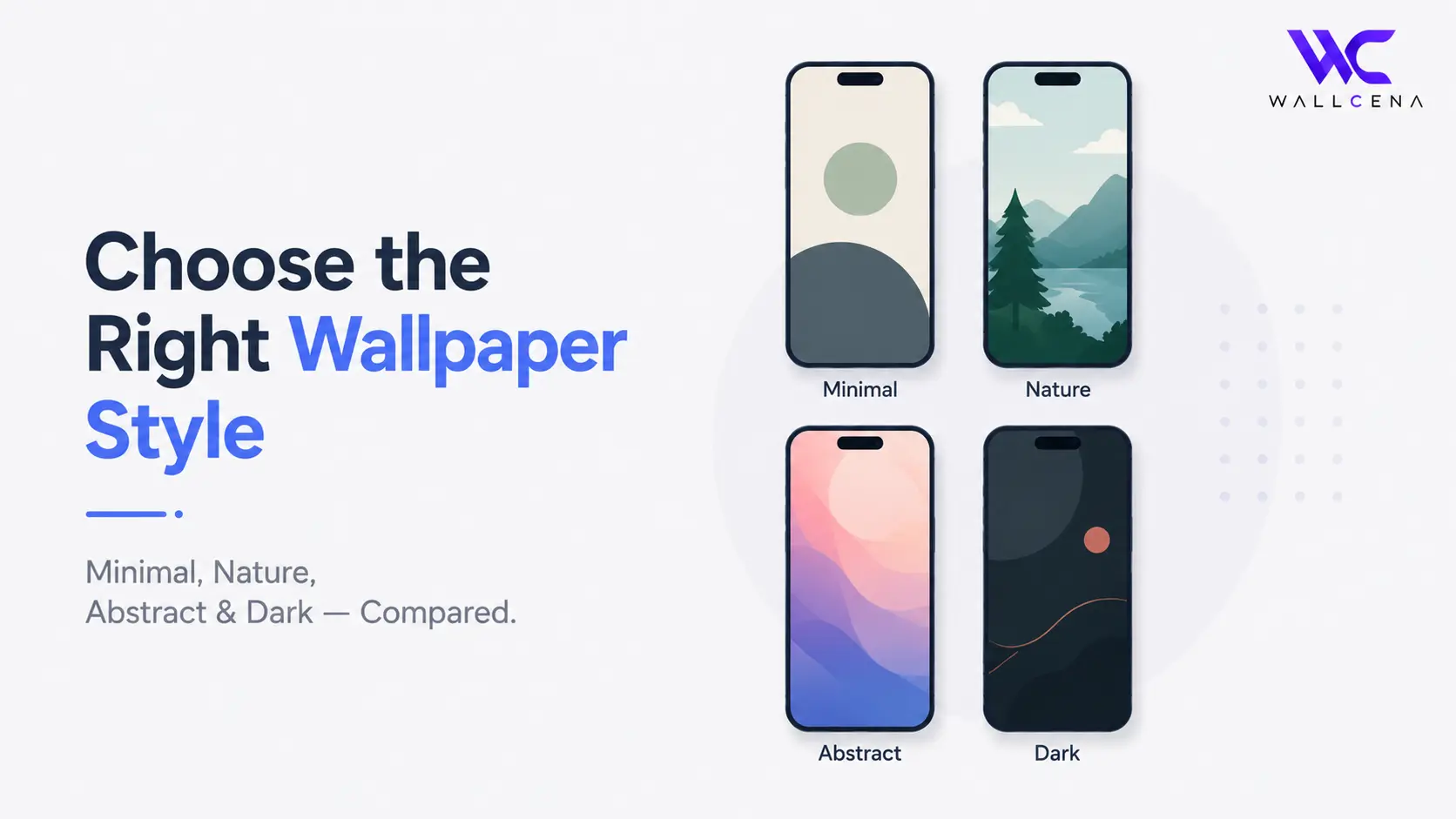
Why "Just Pick a Pretty Wallpaper" Isn't Always the Right Approach
Browsing a wallpaper site can be overwhelming — thousands of options, all visually appealing in their own way. But the wallpaper that looks best in a preview thumbnail isn't always the one that works best on your actual screen, day after day. The right category depends on a few practical things: how many app icons and widgets sit on top of it, how often you look at your screen, and honestly, what kind of visual "noise" you can tolerate for hours at a time.
This guide breaks down four of the most popular wallpaper categories — Minimal, Nature, Abstract, and Dark — so you can pick based on how you'll actually use it, not just how it looks for the first five seconds.
Minimal Wallpapers
Minimal wallpapers use simple shapes, limited color palettes, and lots of negative space. They're built to stay in the background rather than compete for attention.
- Best for: home screens packed with app icons and widgets, since there's no busy detail competing for visual space
- Best for: work devices or professional setups, where a cleaner look feels more appropriate
- Watch out for: minimal wallpapers can feel a little plain if you're someone who likes a lot of visual personality on your screen
Nature Wallpapers
Nature wallpapers — forests, oceans, mountains, skies — remain one of the most consistently popular categories, and for good reason: they tend to feel calming and rarely go out of style.
- Best for: people who want a wallpaper that feels relaxing to look at repeatedly, especially on a lock screen you see dozens of times a day
- Best for: desktops and monitors, where there's more open canvas for a scenic photo to actually show detail
- Watch out for: busy nature photos (dense forests, detailed landscapes) can make icons harder to read on a home screen — look for nature shots with a clear focal point and simpler backgrounds
Abstract Wallpapers
Abstract wallpapers use shapes, patterns, gradients, or generative art rather than real-world subjects. They range from very simple to extremely busy, so this category has the widest range of "how much visual noise" you're signing up for.
- Best for: people who want something distinctive and modern-looking without needing a photo
- Best for: ultrawide and dual monitor setups, where a smooth gradient or pattern can span the full width without an awkward seam
- Watch out for: highly detailed or high-contrast abstract patterns can be genuinely distracting behind app icons — if you're using it on a phone, lean toward softer, simpler abstract designs
Dark Wallpapers
Dark wallpapers use deep blacks and muted tones, often paired with dark mode interfaces.
- Best for: OLED screens, where true black pixels use less power than lighter colors, making dark wallpapers a genuinely practical choice for battery life
- Best for: night-time use or low-light environments, where a bright wallpaper can feel jarring
- Best for: people who already use dark mode across their apps, since a dark wallpaper keeps the whole experience visually consistent
- Watch out for: on LCD screens (not OLED), dark wallpapers don't offer any real battery benefit — it's purely a style choice there
Quick Decision Guide
- Home screen full of widgets? → Minimal or a simple Nature shot
- Want something calming on your lock screen? → Nature
- Setting up an ultrawide or dual monitor desktop? → Abstract
- Using an OLED phone and care about battery life? → Dark
- Want a bold, modern look with no photo subject? → Abstract
You Don't Have to Pick Just One
Many people use different categories for different devices — a calming Nature wallpaper on their phone lock screen, a Dark wallpaper on their OLED home screen, and a wide Abstract gradient across their desktop monitor. There's no rule that says your whole setup needs to match; picking the best fit for each screen individually usually looks better than forcing one style everywhere.
Frequently Asked Questions
Which wallpaper category is best for battery life?
Dark wallpapers are the only category with a genuine battery benefit, and only on OLED or AMOLED screens, where true black pixels use less power.
What's the best wallpaper category for a cluttered home screen?
Minimal wallpapers work best behind lots of icons and widgets, since they have the least visual competition for attention.
Are Abstract wallpapers good for monitors?
Yes, especially for ultrawide or dual monitor setups, since smooth gradients and patterns scale across wide screens without an awkward seam the way some photos can.
Do Nature wallpapers work well on phones?
Yes, as long as you choose one with a clear focal point rather than a busy, detailed landscape — simpler nature shots keep app icons easy to read.
Next Steps
Browse wallpapers by style in our Categories section, or use the Wallpaper Fit Tool to resize your chosen wallpaper to match your exact screen once you've picked a category.
Community
Comments (0)
Log in to like and comment.
No comments yet. Be the first to comment.