
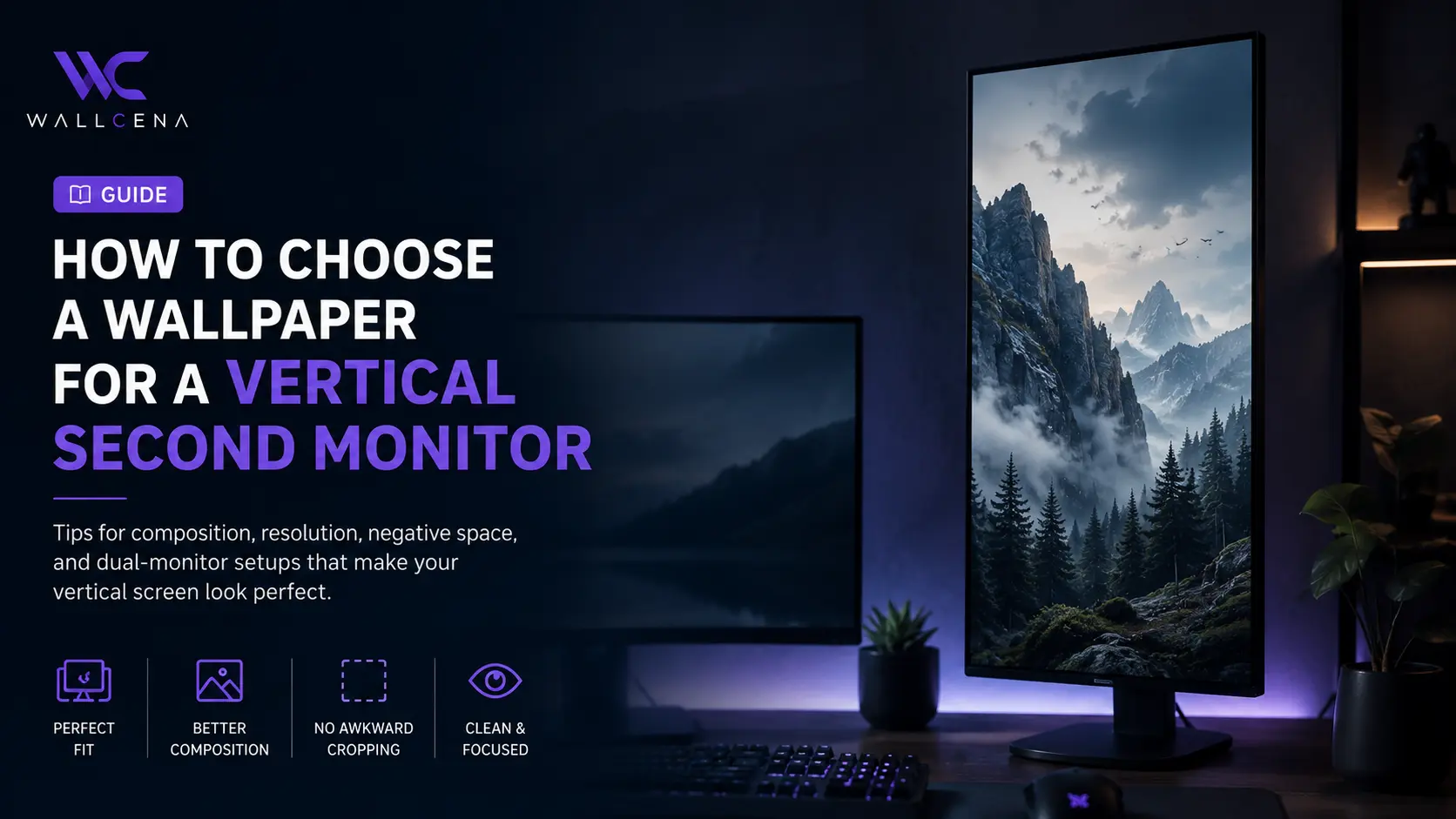
Why a Vertical Monitor Needs a Different Wallpaper
A vertical second monitor changes the shape of your desktop dramatically. Instead of a wide landscape display, you are working with a tall and narrow viewing area.
This is useful for reading long documents, writing code, monitoring chats, browsing webpages, and keeping reference material beside your main screen. The problem is that most wallpapers are designed for landscape monitors.
When a wide wallpaper is forced onto a vertical display, the operating system may crop away the main subject, stretch the image, or leave the composition looking unbalanced.
That is why choosing a wallpaper specifically for a vertical second monitor can make a surprisingly large difference to the appearance of your entire setup.
Start With Your Monitor's Actual Orientation
Before downloading a wallpaper, check how your second monitor is positioned. A monitor rotated 90 degrees normally uses a portrait aspect ratio, meaning the image needs to be much taller than it is wide.
The exact resolution depends on your monitor. Common displays may become portrait-oriented after rotation, for example, changing a landscape resolution such as 1920×1080 into a vertical viewing area equivalent to 1080×1920.
The important point is simple: choose an image that matches the shape of your display rather than choosing only by pixel count.
- Check your monitor's native resolution.
- Check whether the display is currently rotated in Windows or your operating system.
- Compare the wallpaper's aspect ratio with the portrait display.
- Prefer portrait or vertically composed artwork whenever possible.
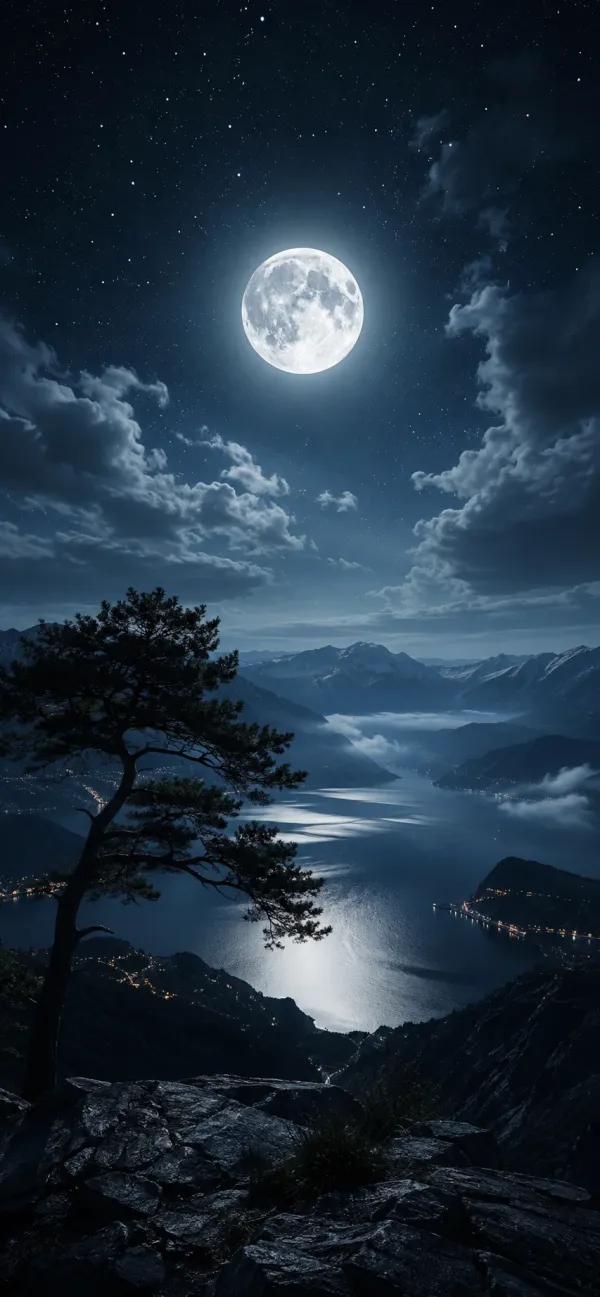 Moonlit Mountain LakeView Wallpaper
 Look for a Strong Vertical Composition
The best vertical wallpapers do not simply take a landscape scene and crop it in half. They are designed so the subject has enough room to breathe from top to bottom.
Tall architecture
Skyscrapers, towers, staircases, corridors, doors, and narrow city streets can look particularly good on a vertical screen because the natural lines already move upward through the image.
Portrait-oriented nature scenes
Trees, waterfalls, mountains, cliffs, forests, and misty landscapes can also work well when the composition uses height rather than width.
Minimal abstract designs
Abstract wallpapers with gradients, flowing shapes, soft lighting, or vertical forms are among the easiest choices because they do not depend on a wide horizon.
Choose Where the Main Subject Should Appear
Position matters even more when the wallpaper is being used on a secondary display.
Your main monitor is normally where your primary task happens. The vertical monitor is often used for supporting information, so you may want a wallpaper that stays visually quiet instead of competing with the main screen.
Keep the center visually controlled
A highly detailed subject directly in the center can make a vertical display feel busy. A more balanced design can place the focal point toward the upper or lower section while leaving quieter areas between.
Consider where your windows sit
If you regularly maximize a browser, editor, terminal, or chat application on the vertical screen, large areas of the wallpaper may rarely be visible.
Look at the parts of the image that remain visible around your application windows. These exposed areas should still look attractive even when most of the wallpaper is covered.
Vertical Wallpaper Preview
[CONTENT-WP1=https://wallcena.com/4k-wallpapers/your-vertical-wallpaper-url-1]Use Negative Space to Your Advantage
Negative space is especially useful on a secondary monitor because your desktop may already contain windows, shortcuts, taskbars, widgets, or other interface elements.
A wallpaper with too many tiny details can make the display feel noisy. A cleaner composition creates a calmer background that supports your workspace rather than competing with it.
- Look for large areas of sky, fog, walls, shadows, or smooth gradients.
- Avoid wallpapers with important details positioned directly behind frequently used icons.
- Use low-detail backgrounds when the second monitor is heavily used for productivity.
- Choose stronger visual detail only when most of the screen remains visible.
Think About What the Vertical Monitor Is Used For
There is no single best wallpaper for every vertical monitor. Your wallpaper should match the role of the display.
For coding
Developers often use portrait displays for long files, documentation, terminals, and code editors. Dark, low-detail wallpapers can work particularly well because they create less visual competition around text-heavy applications.
For reading and research
If your second monitor is mainly used for articles, documents, or research, a calm landscape, gradient, architecture image, or atmospheric scene can work well.
For chat and communication
A vertical monitor used for messaging applications can benefit from simple wallpapers with subdued colors. Since chat interfaces already contain a lot of text and UI elements, an extremely detailed background can feel distracting.
For monitoring dashboards
When a vertical monitor displays analytics, system information, social feeds, or status dashboards, consider a wallpaper that remains visually quiet at the edges.
How to Avoid Awkward Cropping
Cropping is one of the most common reasons a wallpaper looks wrong on a vertical display.
A beautiful landscape image may contain a carefully positioned subject that simply cannot survive a portrait crop. The wider the original composition, the more likely the operating system will need to remove large portions of the image.
Check these areas before using a wallpaper
- Is the main subject close to the center?
- Will cropping remove important scenery?
- Does the image still make sense when viewed vertically?
- Are important details near the left and right edges?
- Does the wallpaper have enough height to fill the display naturally?
For the best result, start with a portrait image rather than trying to repair a poorly suited landscape wallpaper.
Vertical Monitor Wallpaper Preview
[CONTENT-WP1=https://wallcena.com/4k-wallpapers/your-vertical-wallpaper-url-2]Should the Wallpaper Match Your Main Monitor?
It does not have to be identical, but visual coordination can make a multi-monitor setup feel much more intentional.
One simple approach is to use wallpapers from the same visual family. For example, you might pair a dark blue landscape on the main monitor with a darker vertical city scene on the secondary display.
You can also match a single element such as:
- Color palette
- Lighting style
- Photography style
- Minimalist design
- Dark or light theme
This creates consistency without forcing both screens to display the same artwork.
Dark Wallpapers vs. Bright Wallpapers
Your choice of brightness should depend on where the vertical display is located and how often you use it.
A dark wallpaper can be comfortable for long work sessions because it usually creates less visual intensity around applications. It can also complement a dark operating-system theme and a workspace with subtle lighting.
Bright wallpapers can work beautifully when the second display sits in a well-lit room or when you want the entire setup to feel more energetic.
The key is to avoid extreme visual competition between the wallpaper and the windows covering it.
Choosing Resolution for a Vertical Second Monitor
Resolution matters because the vertical orientation does not change the monitor's underlying pixel count. A high-resolution image gives you more flexibility when fitting the wallpaper to the display.
- Use a wallpaper at least as large as the display resolution whenever possible.
- Avoid small images that must be enlarged significantly.
- Check whether the wallpaper is intended for portrait orientation.
- Use high-quality source images when the monitor is large or high-density.
For a sharp modern setup, selecting a wallpaper specifically designed for the vertical resolution of your display is usually better than relying on aggressive cropping or stretching.
A Simple Test Before You Keep the Wallpaper
After setting a new wallpaper, use the vertical monitor normally for a few minutes.
Ask these questions
- Does the wallpaper still look good behind your usual applications?
- Is the main subject visible instead of being hidden by windows?
- Does the image feel too busy when viewed at full height?
- Does it complement your main monitor?
- Does the crop feel intentional?
If the answer is yes, you have probably found a good match. A wallpaper does not need to be spectacular on its own if it makes the entire workspace look better.
Final Thoughts
The biggest mistake when choosing a wallpaper for a vertical second monitor is treating it like a regular landscape display.
Portrait monitors benefit from wallpapers with strong vertical composition, controlled detail, suitable negative space, and a subject that remains visible after the image fills the screen.
Think about the monitor's purpose, match the image to its resolution and orientation, and pay attention to where the important visual elements are positioned.
Once you start choosing wallpapers specifically for the way you use your second screen, the difference is easy to notice. A well-matched vertical wallpaper can turn an ordinary secondary display into a much more polished part of your desktop setup.
Community
Comments (0)
Log in to like and comment.
No comments yet. Be the first to comment.