
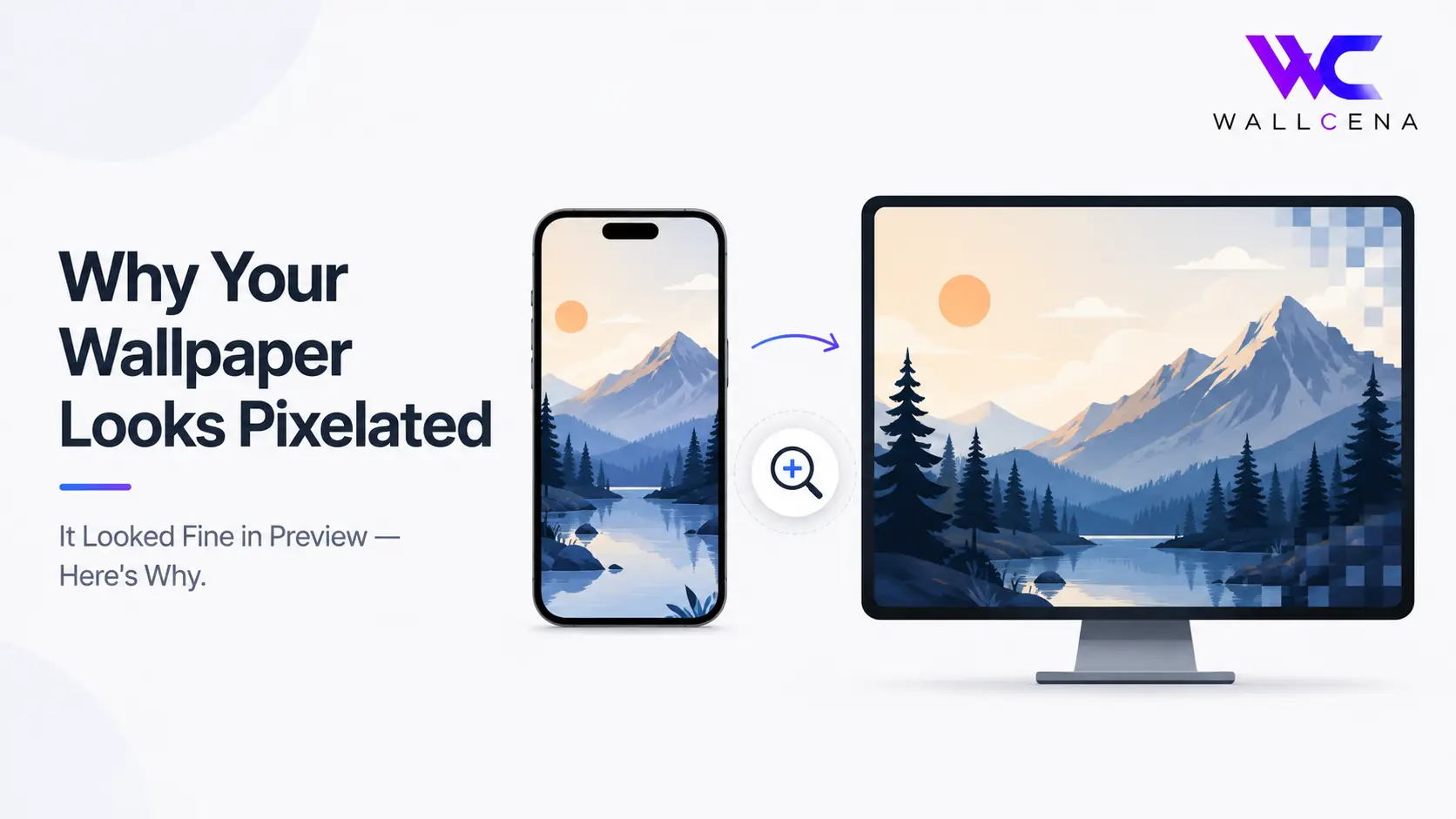
The Preview Looked Perfect. So What Happened?
You've probably run into this before: you're scrolling through wallpapers, you find one that looks sharp and detailed in the thumbnail, you download it, set it as your wallpaper — and suddenly it looks soft, blocky, or outright pixelated once it's actually on your screen. It's confusing because you saw the same image seconds earlier and it looked fine. The truth is, you weren't actually looking at the same image quality both times, even though it felt like it.
The Real Cause: Preview Thumbnails Are Almost Never Full Resolution
Most wallpaper sites and apps — including galleries, browsers, and even your phone's own photo picker — don't show you the full-resolution file when you're browsing. Instead, they generate a small, compressed thumbnail to load pages faster. That thumbnail might only be a few hundred pixels wide, dramatically smaller than the actual wallpaper file behind it.
Here's the part that causes the confusion: a low-resolution thumbnail displayed small on your screen can look perfectly sharp, because there aren't enough pixels visible at that size for any blurriness to show. But the moment that same low-resolution file gets stretched to fill your entire phone or monitor screen — which is far larger than the thumbnail — the lack of detail becomes obvious. You're not seeing new pixelation appear; you're seeing pixelation that was always there, just invisible at thumbnail size.
Why This Confuses So Many People
It feels counterintuitive because nothing about the file "changed" between preview and setting it. But scale changes everything. Think of it like this: a low-quality photo printed as a small sticker can look totally fine, but blow that same file up to poster size, and every flaw becomes visible. Your phone or monitor screen is essentially forcing that same "poster-size blow-up" on a file that was never meant to be viewed that large.
Other Real Causes (Beyond Just Thumbnail Size)
- The original file was already low resolution. Some wallpapers circulating online started as small images to begin with, long before they were ever uploaded anywhere. No amount of clever handling fixes a source file that was never high-quality.
- The file was compressed during download or sharing. Images sent through messaging apps, social media, or certain download links are often re-compressed, quietly reducing quality even if the filename and thumbnail look unchanged.
- Your device is scaling the image up to fill the screen. If the wallpaper's actual resolution is smaller than your screen's resolution, your device stretches it to fit — and stretching always introduces visible blur or blockiness.
- The wrong aspect ratio forced a stretch instead of a crop. Some devices stretch mismatched wallpapers rather than cropping them, which distorts and softens detail across the whole image.
How to Check a Wallpaper's Real Resolution Before Setting It
Before downloading, look for the actual pixel dimensions listed on the wallpaper's page (for example, "3840 × 2160") rather than judging by the thumbnail alone. If no resolution is listed, that's often a sign the source quality isn't guaranteed. Compare that number to your own screen's resolution — if the wallpaper's dimensions are equal to or larger than your screen's, it should display sharply. If it's smaller, expect some softness once it's stretched to fit.
How to Avoid This Going Forward
- Always check the listed resolution before downloading, not just the thumbnail preview
- Download wallpapers directly from the original source rather than screenshots or re-shared copies, which often lose quality
- Match the wallpaper's resolution to your device using our Wallpaper Fit Tool, which resizes and crops properly instead of stretching
- Avoid saving images from messaging apps as your final wallpaper source, since these are frequently compressed
Frequently Asked Questions
Why does a wallpaper look sharp on the website but blurry on my phone?
Website previews are usually small, compressed thumbnails. Once the same image is stretched to fill your full screen, any lack of detail becomes visible.
Does downloading a wallpaper reduce its quality?
Not on its own, as long as you're downloading the original file. Quality loss usually happens earlier — through re-sharing, compression, or a low-resolution source to begin with.
How can I tell if a wallpaper will look sharp before setting it?
Check the listed pixel resolution and compare it to your screen's resolution. If the wallpaper's dimensions are equal to or larger than your screen, it should display sharply.
Why do screenshots of wallpapers look worse than the original?
Screenshots capture your screen's current resolution, not the original file's full quality, and can introduce compression depending on how they're saved or shared afterward.
Final Thoughts
A pixelated wallpaper almost never means something went wrong during download — it usually means the thumbnail hid a resolution problem that was there the entire time. Checking the actual pixel dimensions before downloading, and resizing properly rather than letting your device stretch the image, is the difference between a wallpaper that looks good in a preview and one that actually looks good on your screen. Browse our full wallpaper collection with resolution details listed clearly on every wallpaper.
Community
Comments (0)
Log in to like and comment.
No comments yet. Be the first to comment.