
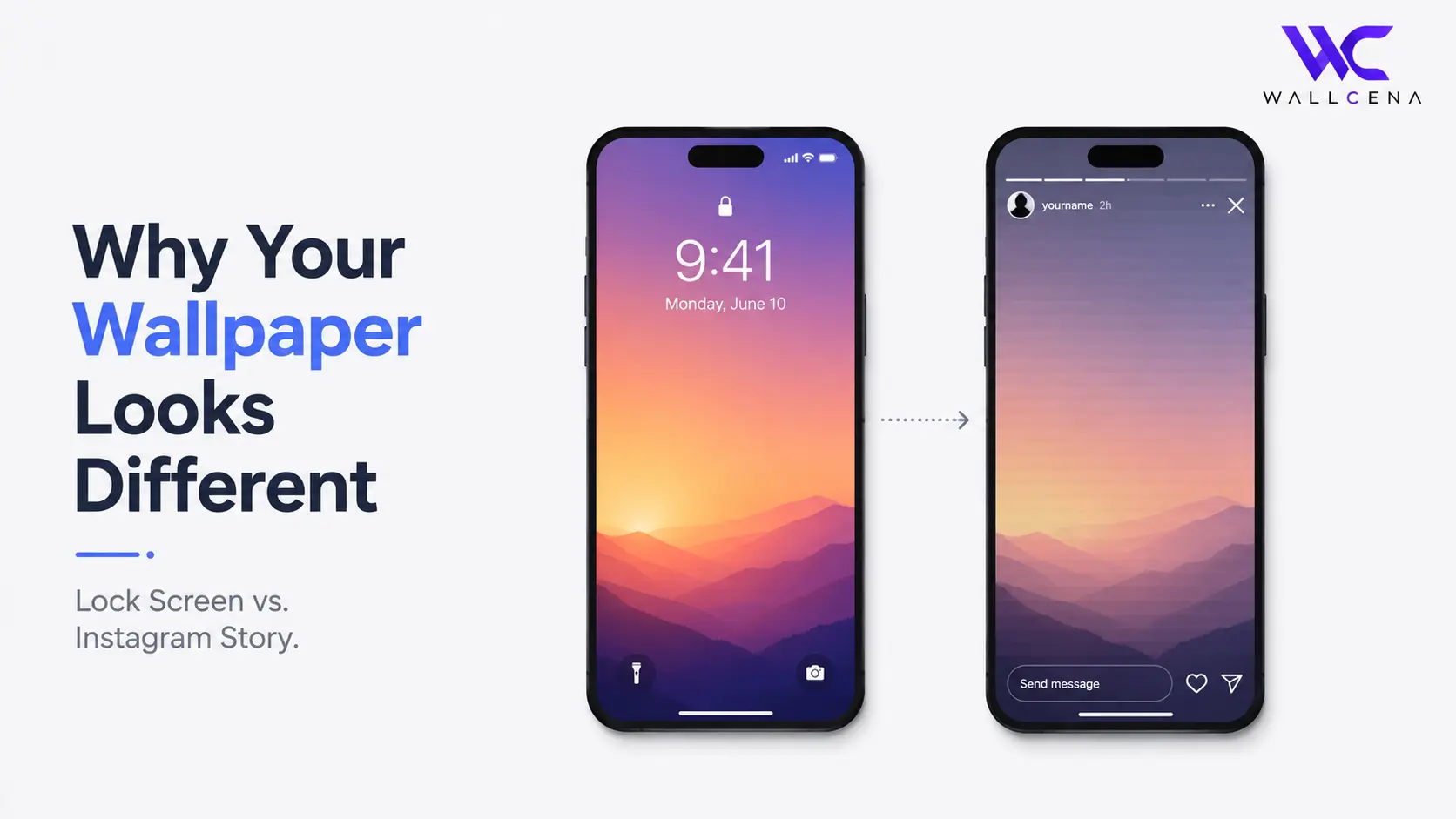
The Screenshot Looked Perfect. So Why Does the Story Look Off?
You finally found the perfect wallpaper, set it on your lock screen, took a screenshot to show it off, and posted it to your Instagram Story. Then you look at it and something feels wrong — the colors seem slightly duller, the composition looks cropped differently, or the image just doesn't have the same impact it did on your actual phone screen. You didn't imagine it. Several real technical differences are working against you at once.
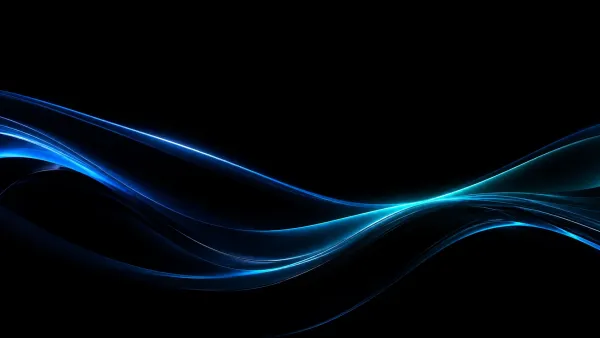 True Black AMOLED WavesView Wallpaper
Reason 1: Instagram Compresses Everything
Instagram aggressively compresses images and videos to keep file sizes small and loading fast across millions of uploads. This compression process reduces color depth and sharpens or softens certain details, which is why photos — including wallpaper screenshots — often look slightly duller or slightly "flattened" once they're uploaded, compared to viewing them directly on your phone's display.
Reason 2: Your Phone Screen and Instagram Aren't Speaking the Same "Color Language"
Modern phone screens, especially OLED displays, are built to show a wide range of vivid colors accurately. But when an image gets uploaded, compressed, and then redisplayed inside the Instagram app, it doesn't always preserve that same color profile. This is especially noticeable in wallpapers with deep blacks, saturated colors, or subtle gradients — exactly the kind of image where small color shifts are easiest to spot.
Why Gradients Suffer the Most
Smooth color gradients — like a sunset or a soft sky wallpaper — are the first thing to visibly break down under compression. Instead of a seamless blend, you might notice slight "banding," where the gradient looks like distinct stripes of color instead of one smooth transition. Your actual lock screen doesn't have this problem because it's rendering the original file at full quality with no compression involved.
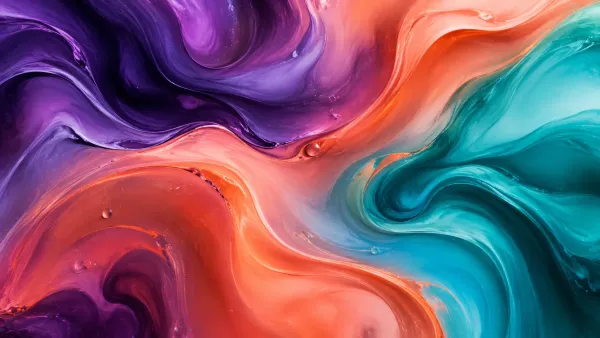 Abstract Fluid GradientView Wallpaper
Reason 3: The Story Crop Isn't the Same as Your Lock Screen Crop
Instagram Stories are designed for a 9:16 vertical format, and when you screenshot your phone, the screenshot includes your status bar, notch area, and sometimes home indicator — none of which existed in the same way in your original wallpaper file. Depending on your phone model, this can shift how much of the actual image is visible, subtly changing the composition compared to what you see when you're simply looking at your unlocked phone.
Reason 4: Your Screen Brightness Isn't Factored Into the Screenshot
Part of what makes a wallpaper look vibrant on your actual lock screen is your display's brightness, contrast settings, and any "True Tone" or adaptive color adjustments your phone applies in real time. A screenshot captures the raw pixel data, not these live display adjustments — so when you view that screenshot later, especially on a different device or inside an app like Instagram, you're missing part of what made it look good in person.
How to Make Your Wallpaper Look Better in Screenshots and Stories
- Start with a high-resolution source image — compression hits low-quality images the hardest, so starting sharp gives you more room to lose detail without it becoming obvious
- Avoid wallpapers with very subtle gradients if you plan to screenshot and share them often, since these are most prone to visible banding after compression
- Post as a photo rather than adding heavy Story filters or stickers on top, which can compound compression artifacts
- Crop your screenshot slightly before posting so the composition matches what you actually see on your unlocked screen, rather than including extra status bar space
Frequently Asked Questions
Why do my wallpaper colors look duller on Instagram than on my phone?
Instagram compresses uploaded images to reduce file size, which lowers color depth slightly. This is more noticeable on wallpapers with rich colors or subtle gradients.
Does taking a screenshot lower the quality of my wallpaper?
Not significantly on its own — most screenshots are high resolution. The bigger quality loss happens after upload, when Instagram compresses the image.
Why does my wallpaper look cropped differently in my Story?
Screenshots include extra screen elements like the status bar, which shifts the visible composition compared to viewing the wallpaper directly on your unlocked phone.
Can I avoid the color shift entirely?
Not completely, since it's caused by Instagram's compression process rather than anything on your phone. Using a high-resolution source image minimizes how noticeable the shift is.
Final Thoughts
Your wallpaper isn't actually "different" — it's the same file, just passing through compression, cropping, and display differences it wasn't originally shown through. If you want your wallpaper to look its best both in person and in screenshots, start with a high-quality, high-resolution image in the first place. Browse our full wallpaper collection for high-res options built to hold up anywhere you share them.
Community
Comments (0)
Log in to like and comment.
No comments yet. Be the first to comment.