
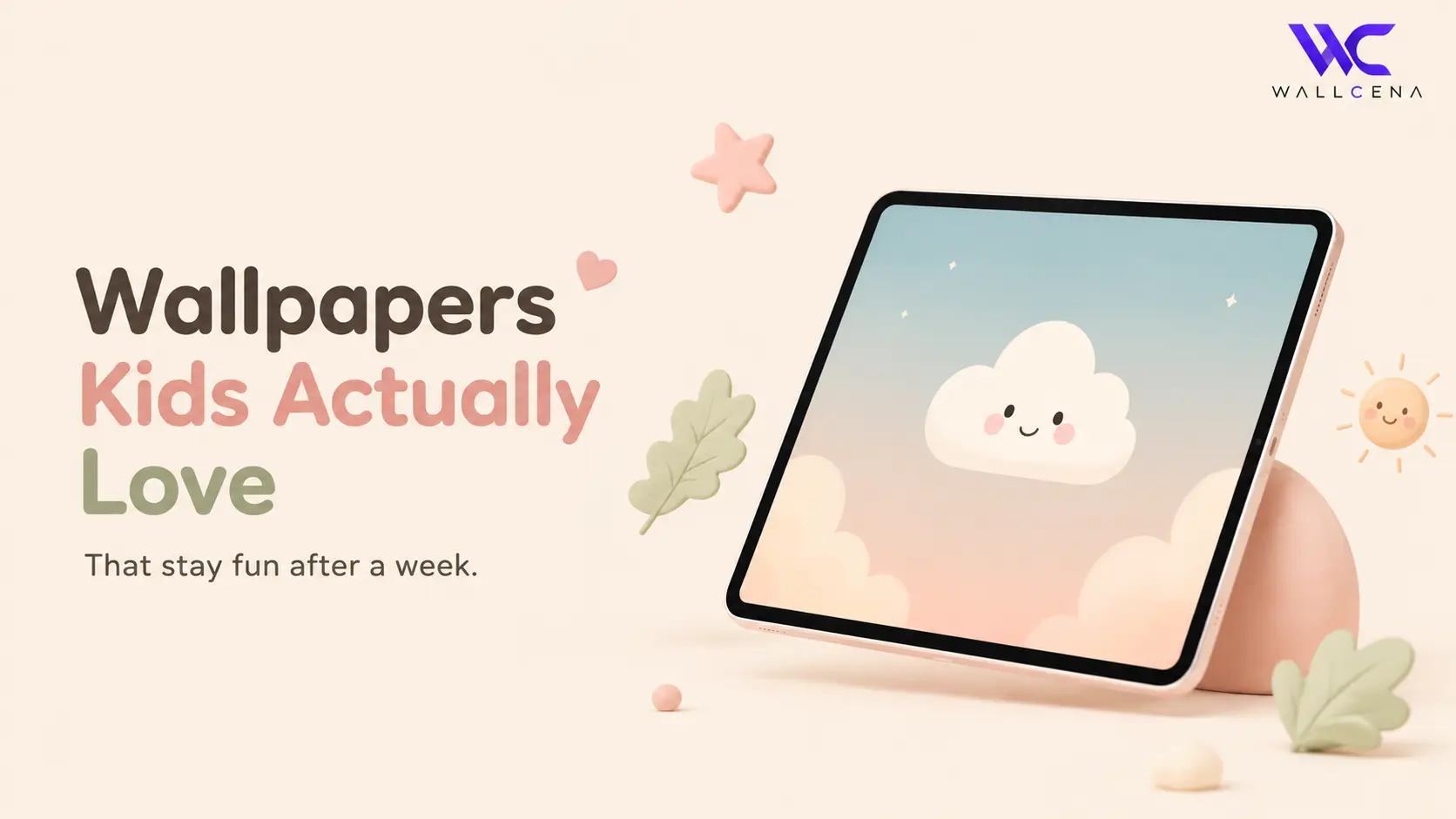
Why Most Kids' Wallpapers Get Old So Fast
If you've ever handed a tablet to a child and let them pick their own wallpaper, you already know the problem. Within a week, that hyper-colorful cartoon character or flashing pattern isn't cute anymore — it's the thing making your eyes tired every time you check their screen time. Kids gravitate toward busy, high-contrast images because they're eye-catching in the moment, but busy doesn't mean lasting.
This happens because most kids' wallpapers are designed to grab attention instantly, not to be looked at fifty times a day for weeks. A wallpaper you see for two seconds while unlocking a phone is very different from one sitting behind every app icon, every homework app, every video call with grandma. The best kids' tablet wallpapers strike a balance: fun enough for a child to love, calm enough for a parent to tolerate daily, and simple enough to still look good a month later.
 Cozy Cat Under the Crescent MoonView Wallpaper
What Actually Makes a Wallpaper "Kid-Friendly" Long-Term
It's not just about cute animals or bright colors. A wallpaper that holds up after day seven usually has a few things in common — simple shapes, a limited color palette, and enough visual breathing room that app icons don't get lost on top of it.
- Soft, muted color palettes instead of neon or oversaturated tones
- One clear focal point (a single character, animal, or shape) rather than a busy scene
- Enough contrast that app icons and text stay readable
- No flashing, glittery, or "shiny" textures that look outdated fast
- Designs that aren't tied to a single trending show or character kids outgrow in a month
Why Color Choice Matters More Than You'd Think
Bright, saturated wallpapers can actually contribute to visual fatigue during long screen sessions — something worth considering if your child is using a tablet for both learning apps and downtime. Muted, pastel-leaning palettes are easier on the eyes over repeated daily use and, as a bonus, tend to photograph better if you're taking screenshots or sharing their tablet setup.
Themes That Tend to Last Longer
Instead of chasing whatever's trending this week, these wallpaper themes tend to have real staying power with kids and stay tolerable for parents too.
- Pastel space and planets — calming colors, endlessly interesting subject that grows with curiosity rather than aging out
- Simple animal illustrations — a single friendly character instead of a full busy scene
- Nature patterns — clouds, leaves, or watercolor textures that don't scream "kids' app"
- Abstract shapes and doodles — playful without being tied to a specific show or trend
- Soft gradients with one small illustration — clean, modern, and won't feel babyish as they get older
 Eternal Twilight — Sakura DreamsView Wallpaper
Wallpapers to Avoid (Even If Your Kid Begs)
A few categories tend to cause the most "change it again" requests within days — worth steering around even when they're the most requested at first.
- Wallpapers tied to a single character your child is currently obsessed with — obsessions fade fast
- Extremely busy scenes with dozens of small details competing for attention
- Neon or high-saturation colors that clash with most app icon designs
- Anything with moving or animated elements, which can be distracting during homework or reading apps
- Text-heavy wallpapers (quotes, slogans) that lose meaning or feel dated quickly
How to Pick the Right Size and Resolution
Beyond style, fit matters. A wallpaper that's stretched or cropped oddly looks unpolished no matter how nice the design is. Most kids' tablets fall into a few common categories:
- iPad (standard/Air) — look for wallpapers sized around 2360 x 1640px or higher
- iPad Mini — roughly 2266 x 1488px works cleanly without cropping
- Android kids tablets (Amazon Fire, Samsung Galaxy Tab A) — typically 1920 x 1200px or 2000 x 1200px
- Budget/generic tablets — 1280 x 800px is a safe minimum that won't look blurry
When in doubt, choose a slightly higher resolution than needed — tablets scale down cleanly, but scaling up a low-res image always looks blurry or pixelated.
A Quick Tip for Parents
Let your kid choose from a small curated set (3–5 options) rather than the entire wallpaper library. This gives them a sense of control without ending up with a flashing rainbow unicorn scene that you'll want to change by Thursday. It also cuts down on the "can we change it again" requests, since kids feel like they made the decision rather than being handed one option.
Frequently Asked Questions
Do dark wallpapers help reduce eye strain for kids?
Dark wallpapers can help in low-light settings, but for most daytime tablet use, a soft light or pastel background is easier on young eyes than pure black, which can create harsh contrast against bright app icons.
How often should I change my kid's tablet wallpaper?
There's no hard rule, but many parents find a monthly rotation works well — often enough to keep things feeling fresh, infrequent enough that it doesn't become a daily negotiation.
What wallpaper size works for both iPad and Android tablets?
A resolution around 2000 x 1200px or higher generally scales well across most iPad and Android kids tablets without stretching or cropping issues.
Should I let my child pick their own wallpaper?
Giving kids a curated shortlist (rather than free rein) tends to work best — it balances their sense of choice with wallpapers that will actually hold up over time.
Final Thoughts
The best kids' tablet wallpaper isn't necessarily the most exciting one on day one — it's the one that still feels calm and pleasant on day thirty. Simple, soft, and a little bit timeless beats trendy and busy almost every time.
Community
Comments (0)
Log in to like and comment.
No comments yet. Be the first to comment.